How-to · offline mode · connectivity · operations · reliability
Offline POS Mode: Why It Matters and How It Works
Offline POS mode keeps tills selling during internet outages in Pakistan: how local sale queues work, what survives offline, and how to test a vendor's claim before buying.
POS Pakistan Team 30 Jun 2026 8 min read
Offline POS mode is the ability of a point-of-sale system to keep selling — accurately and legally — when the internet connection is down, and to catch up automatically the moment connectivity returns. For Pakistan, it is not a nice-to-have: between load-shedding schedules, patchy 4G coverage, and shared fiber outages, the connection will drop mid-service at some point. The question is whether your business keeps running when it does.
Here is how offline mode works, what it must preserve, and how to test a vendor's claim before you buy.
What happens inside the till during an outage
A well-built offline POS does not pause at "no connection." It runs the same sale flow locally:
- The sale completes normally — items, prices, discounts, tax, and payment are recorded on the till's local storage.
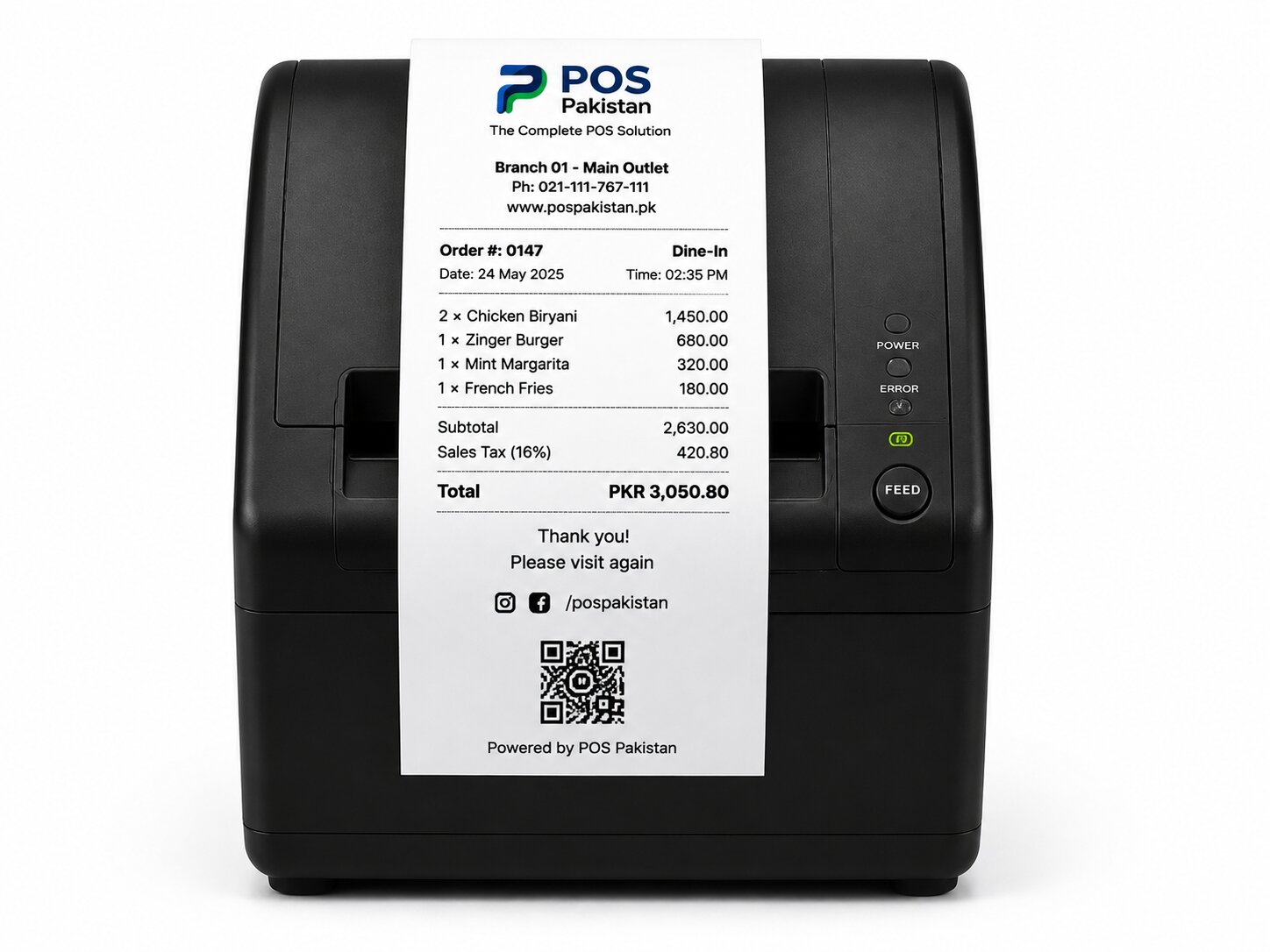
- A receipt prints — including the FBR QR receipt, generated locally, with the same integrity as an online receipt.
- The sale enters a transmission queue — every offline sale is stored with its full record and a timestamp.
- On reconnect, the queue drains — the system transmits each queued sale in order to the FBR and to your back office, and confirms each one.
The staff experience is the same either way. No "offline mode" button, no rebooting, no retyping later. If your vendor's offline mode requires staff to do something special, it is not a real offline mode.
What must survive offline (and what can wait)
| Data | Offline behavior | On reconnect |
|---|---|---|
| The sale itself | Recorded fully, item-level, with tax | Transmitted to FBR and back office |
| Payment capture | Cash, and any payments that work without internet (e.g., card terminal with its own SIM link, or a queued wallet flow) | Reconciliation against provider statements |
| FBR invoice + QR | Printed locally, verified later | Filed to FBR with the record |
| Inventory movement | Stock deducted locally at the branch | Synced centrally; conflicts resolved by timestamps |
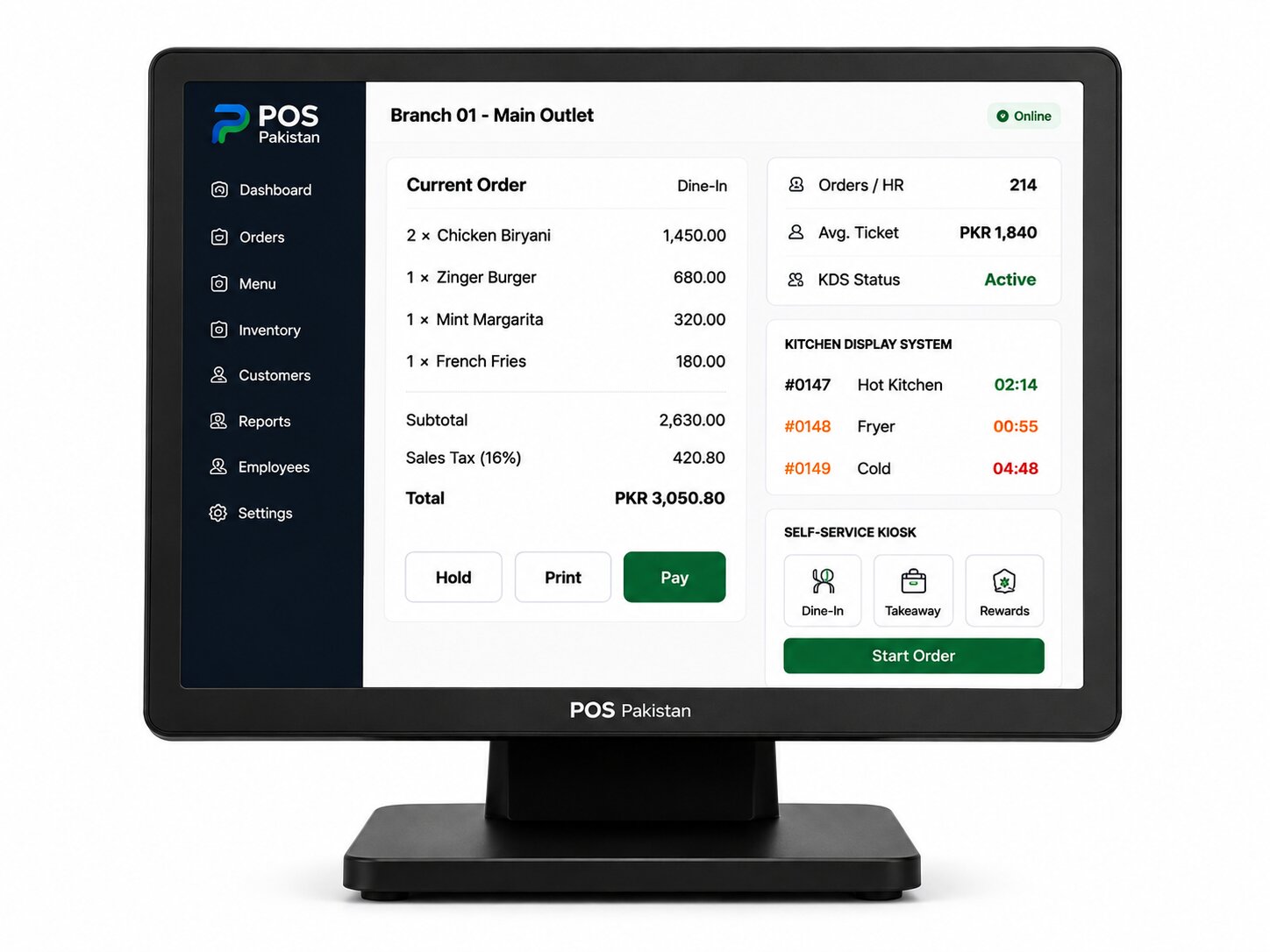
| KDS / kitchen | Runs on local network — works without internet | Syncs order history |
The critical point: an offline sale must still be a legal, reportable sale. If your system silently "loses" receipts during outages, you are creating an FBR exposure that only surfaces later — usually at the worst time.
Why this matters more in Pakistan than anywhere else
Three Pakistan-specific realities make offline a first-class feature rather than a footnote:
- Load-shedding and power instability — UPS and battery backup keep the till alive; offline mode keeps the software alive.
- Unreliable last-mile internet — fiber cuts and congested 4G mean downtown Karachi and a shop in a new housing scheme face very different connectivity, on different days.
- Peak-hour traffic — a Friday lunch rush in a full restaurant or the Eid-week supermarket line cannot wait for a reconnection. Every minute of till downtime is customers walking out.
A cloud-only POS that hard-stops without internet is a decision to lose revenue during exactly the hours you depend on most.
What to test before you buy
Vendors will say "offline mode included." Ask them to demonstrate:
- Kill the internet mid-sale — the sale still completes and prints a QR receipt
- Run 50+ offline sales in a row without performance degradation
- Reconnect — all queued sales transmit automatically, in order, with no duplicates
- Check the FBR side — do the queued offline sales appear as verified invoices after transmission?
- Check the reporting side — do same-day reports match between the till and back office after sync?
- Multi-till branches — do two tills offline simultaneously stay consistent?
If any of those steps requires a workaround, you have found the limit of the product.
What POS Pakistan does
Every POS Pakistan till — restaurant, retail, kiosk, and drive-thru — runs the same sale flow with or without internet. Offline sales queue locally with full FBR invoice records, print valid QR receipts, and transmit automatically on reconnect, in order. Inventory and reporting catch up centrally afterward, and multi-branch chains get a consolidated view without reconciliation work.
See how offline mode sits inside the retail till, the restaurant flow, and multi-branch ERP reporting.
Where this fits in the platform