
Self-service kiosks for QSR & retail in Pakistan — faster lines, fewer cashier errors.
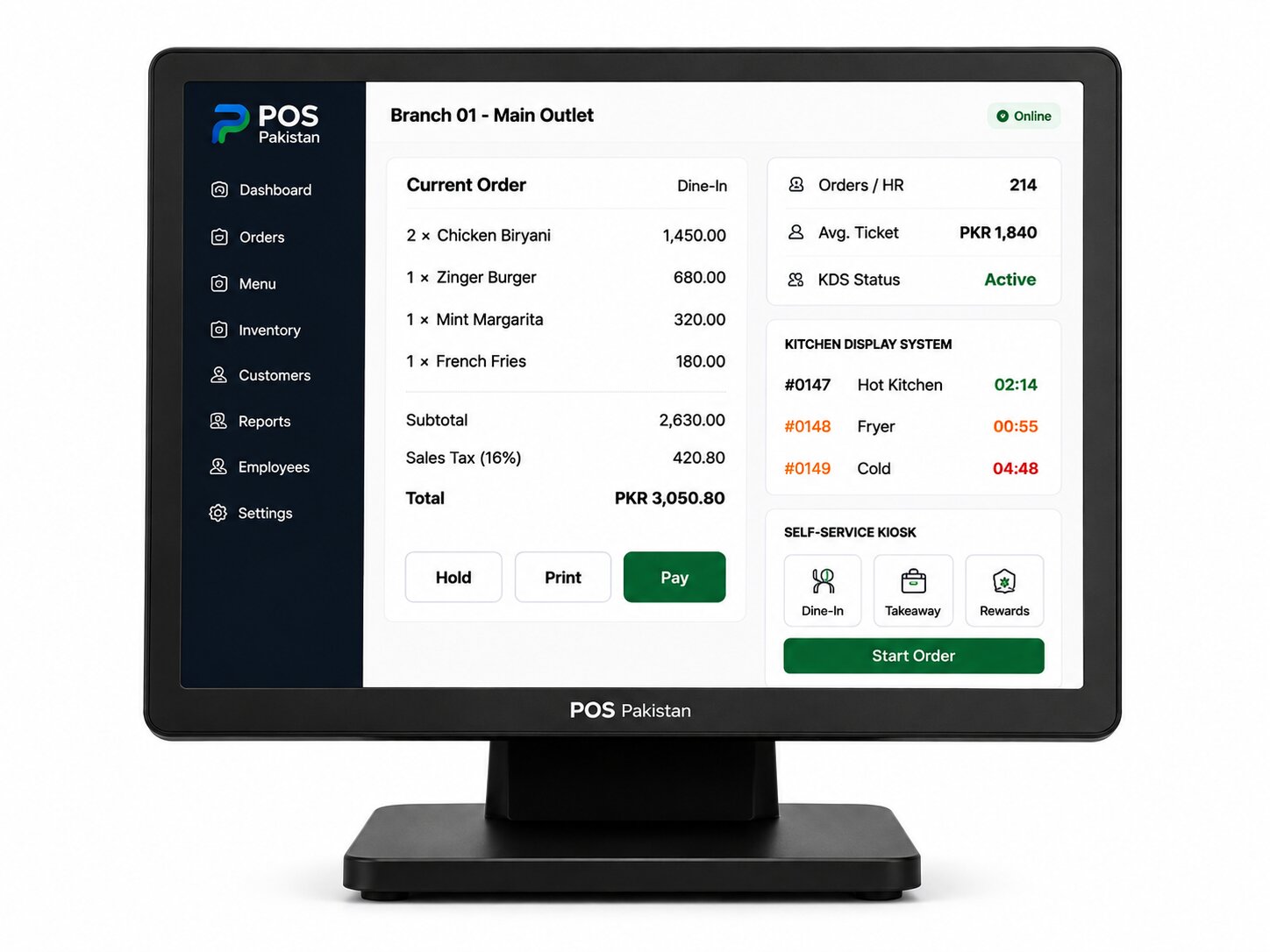
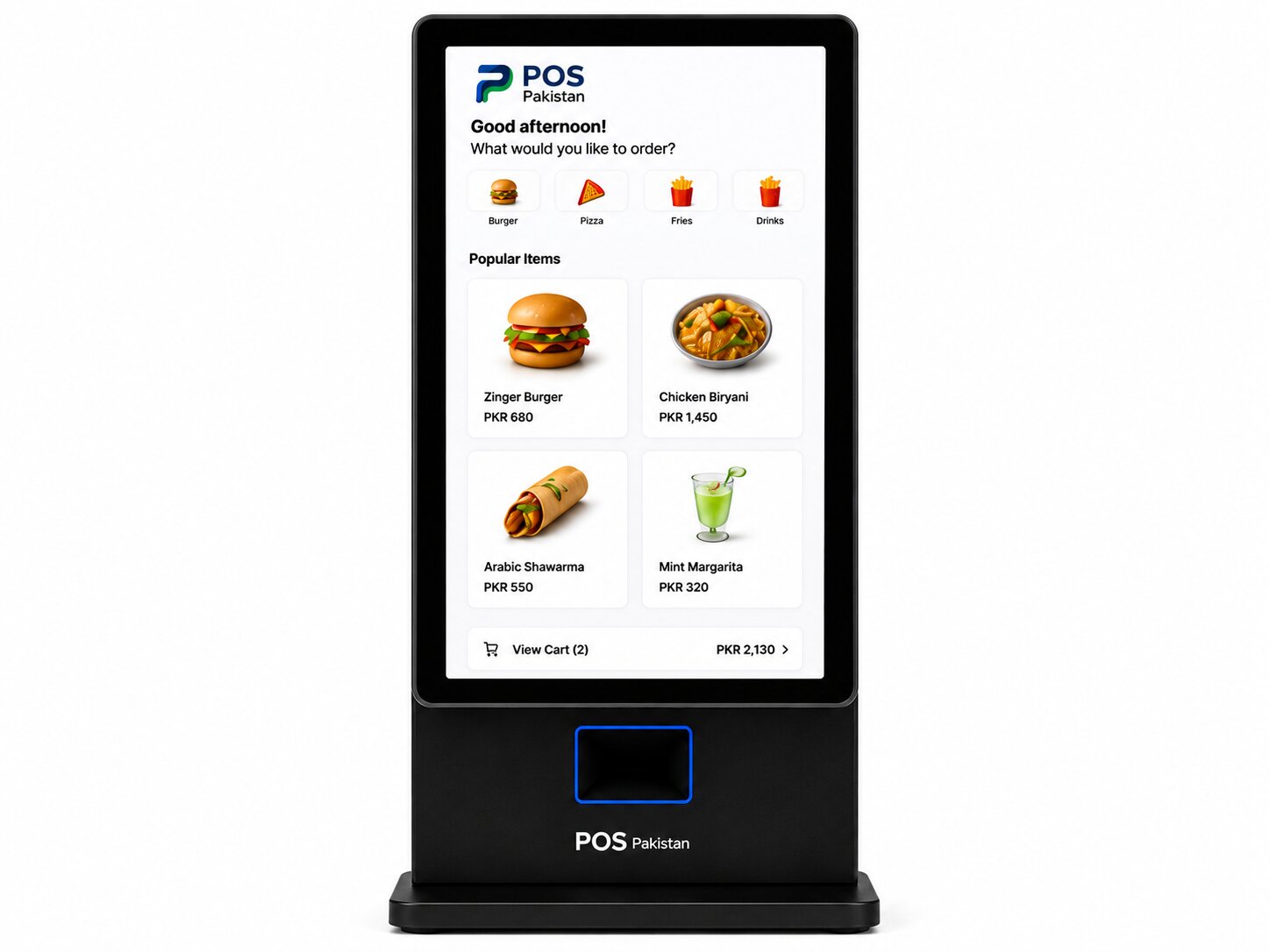
A walk-up ordering screen carrying your menu, your branding, and the customer's card or wallet — orders fire to the kitchen or pickup queue in seconds, receipts print at the kiosk, and payments post to the same ledger as your tills.
- Order flow
- Direct to KDS
- Payments
- Card + wallet
- Support
- English
Who this is for
Self-Service Kiosk — built for the businesses that live here.
This is for the lunch-rush counter where the queue makes customers leave, the food-court tenant selecting walk-up speed over counter theatre, and the retailer whose staff spend more time on transactions than service.
It fits the single kiosk beside a manual till, and scales to the full bank of kiosks plus pay-at-table hybrid deployments.
- QSR counters
- Food courts & courtside
- Retail self-checkout
- Cinema & entertainment
Core capabilities
What it actually does.
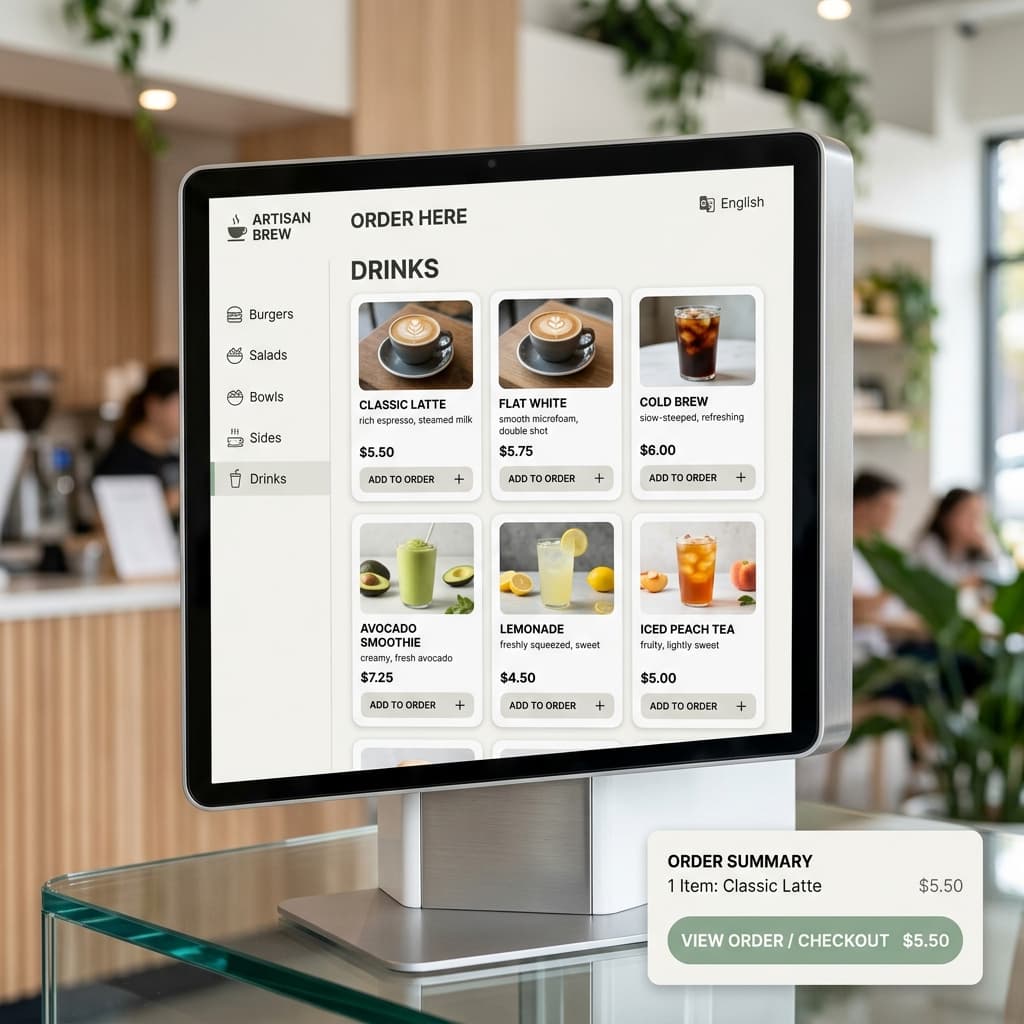
Branded menu with upsell logic
Your menu, your fonts, your photography — plus auto-combos, size prompts, and drink-upsell nudges that live on the screen itself, not as a crew script to memorize.
Payments at the kiosk arm
Contactless card, bank QR, and mobile wallets (JazzCash, Easypaisa) processed at the kiosk terminal; cash customers confirm at the nearby counter with an automatically queued ticket.
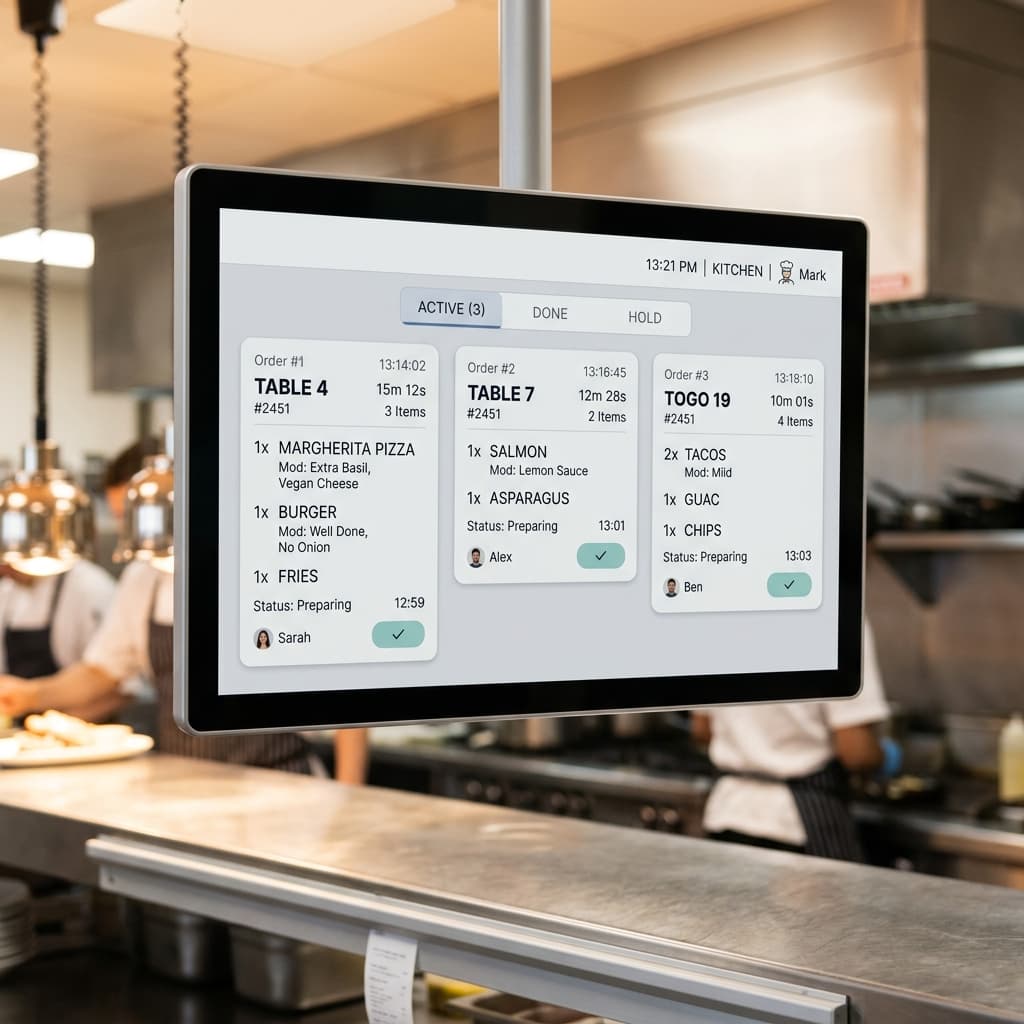
Direct-to-KDS routing
Groceries or kitchen items fire straight to the station screens the moment payment clears, with per-item station labels so walk-ups hit production like any other channel.
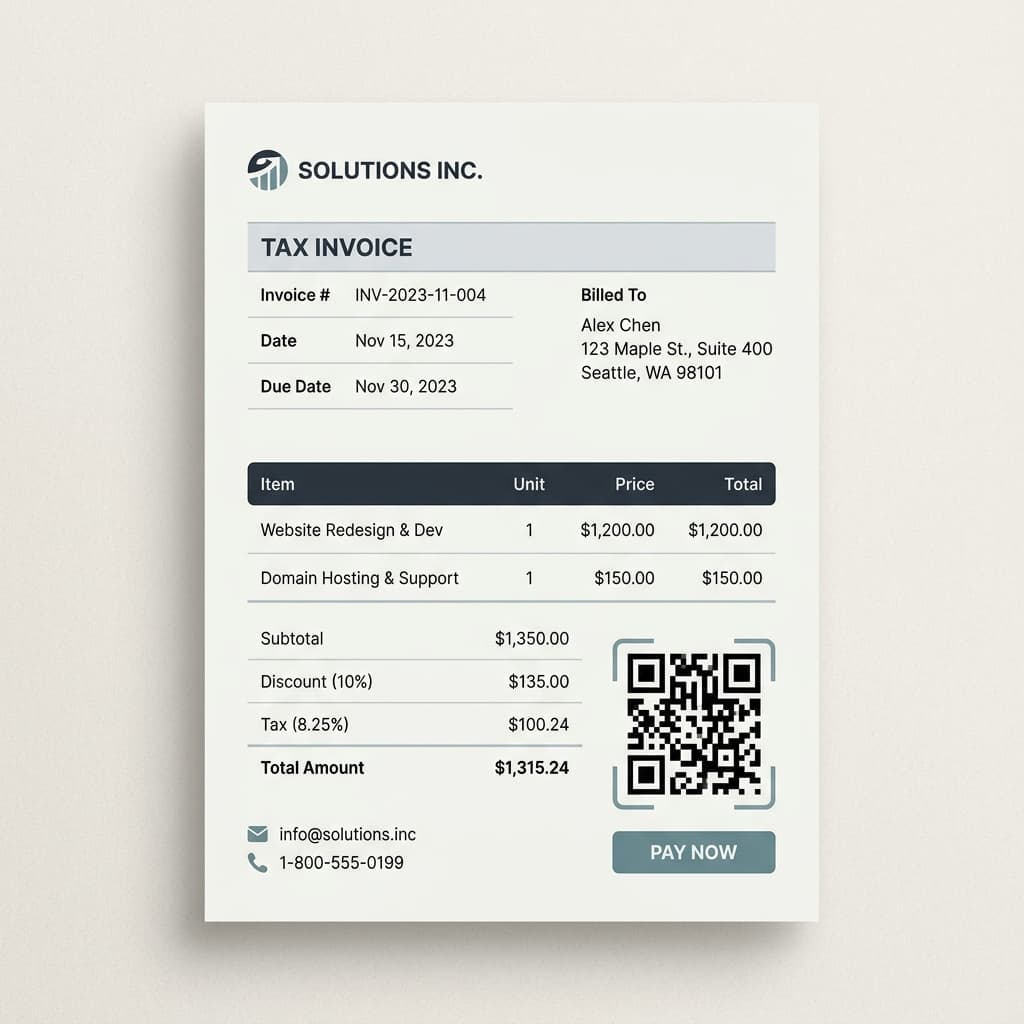
FBR-compliant receipt printing
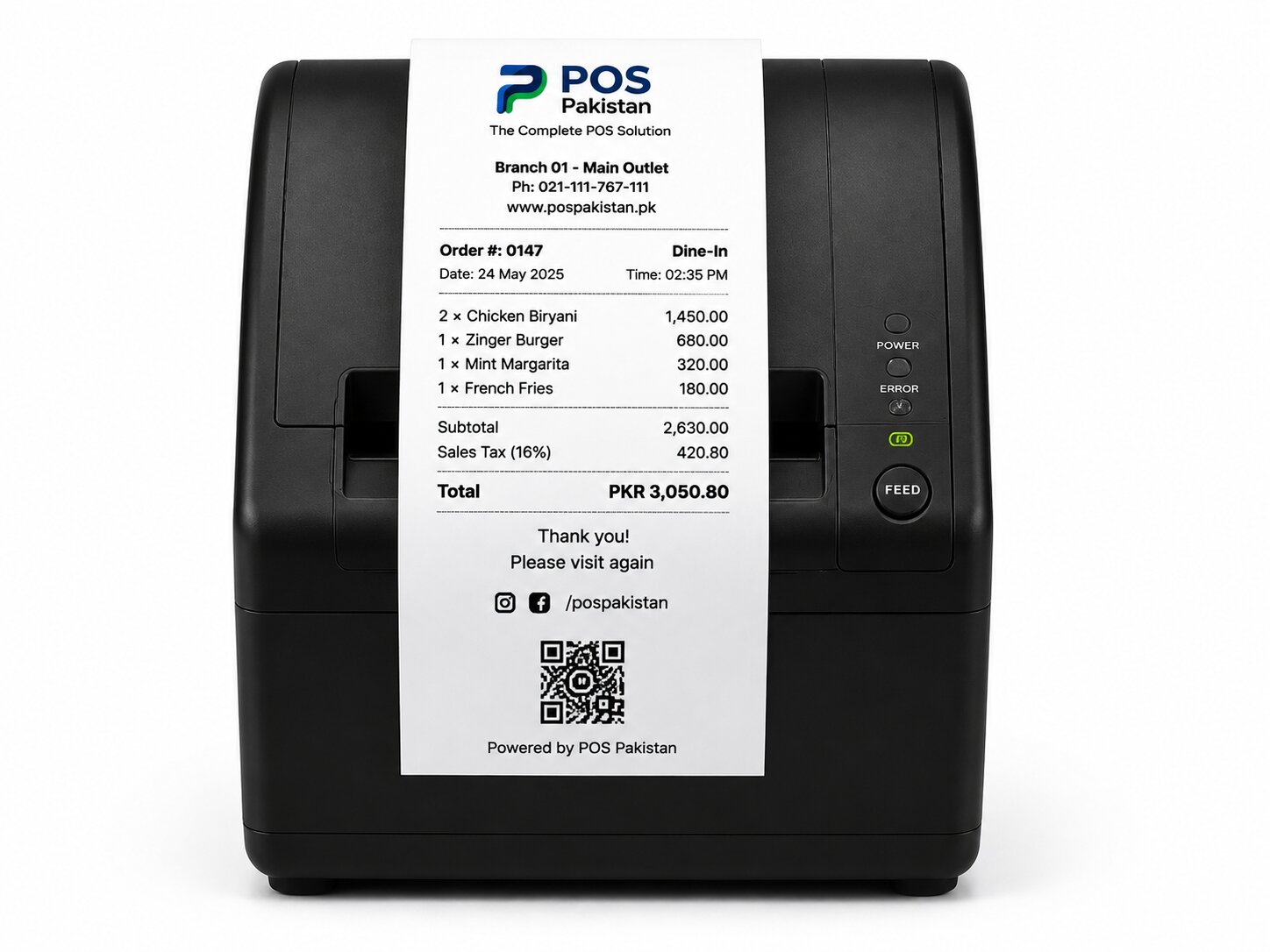
Each walk-up sale generates the same QR-coded digital invoice as a manual till — compliance is part of the kiosk ticket, not a separate integration.
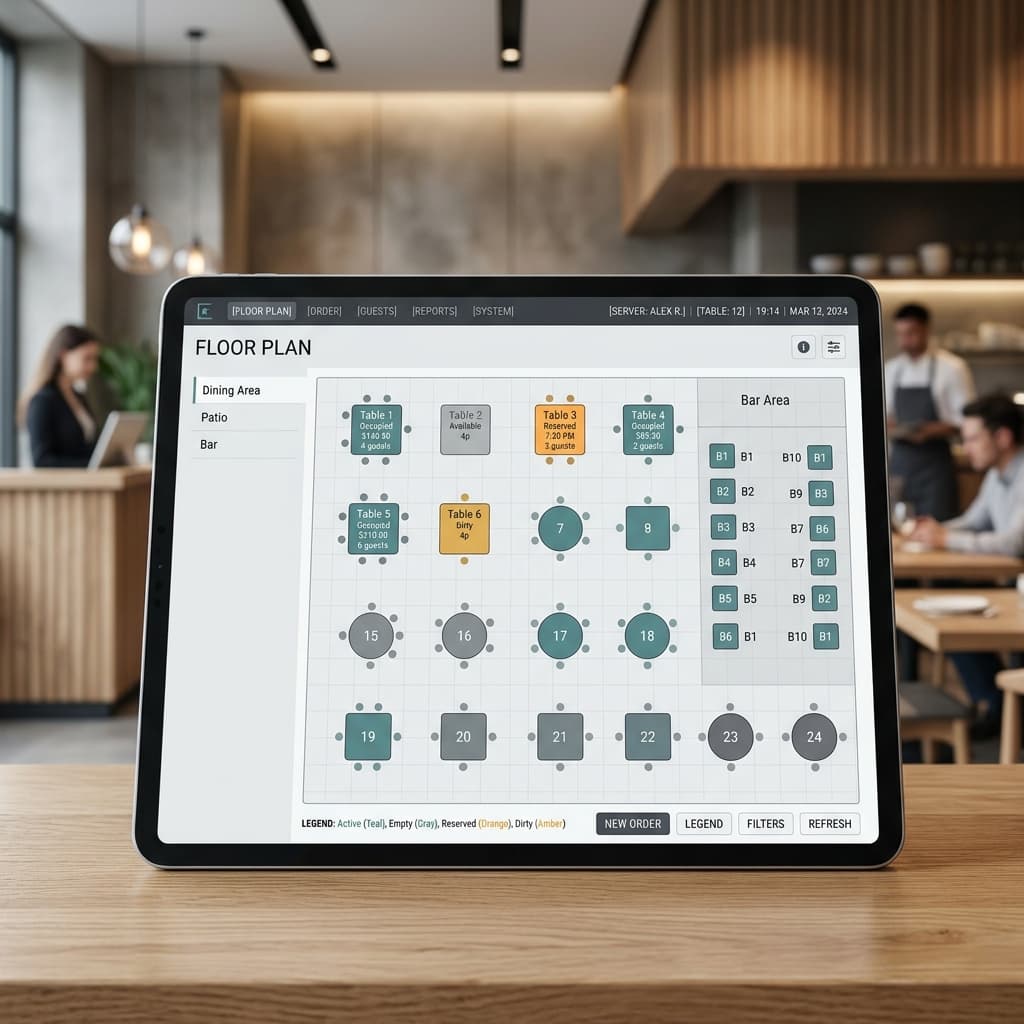
Pickup & table-located options
Summon a pager, walk to a table with a numbered topmat, or wait at the pass for your number — the flow changes per venue, the backend stays one order book.
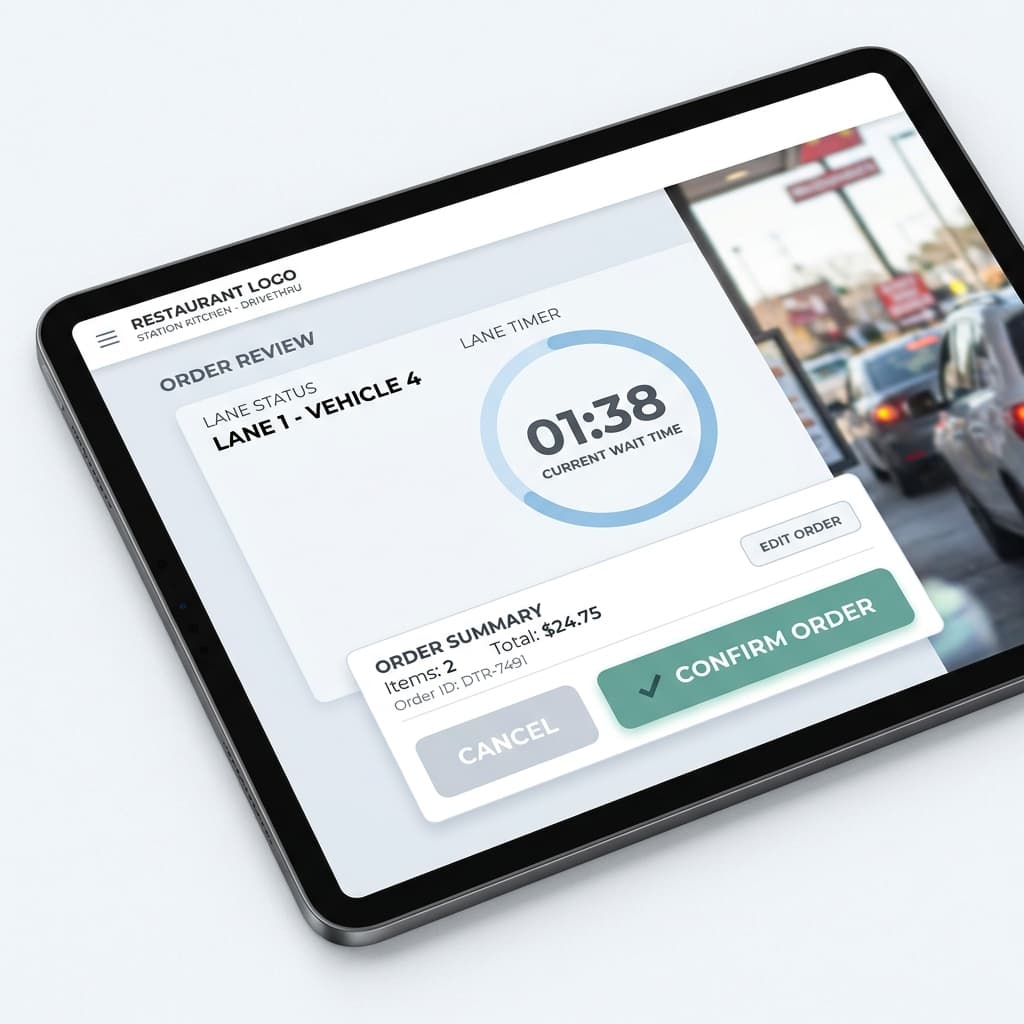
Offline queue resilience
Transactions and orders continue even on a local-network connection; payment and invoice posting re-sync automatically when the uplink returns.
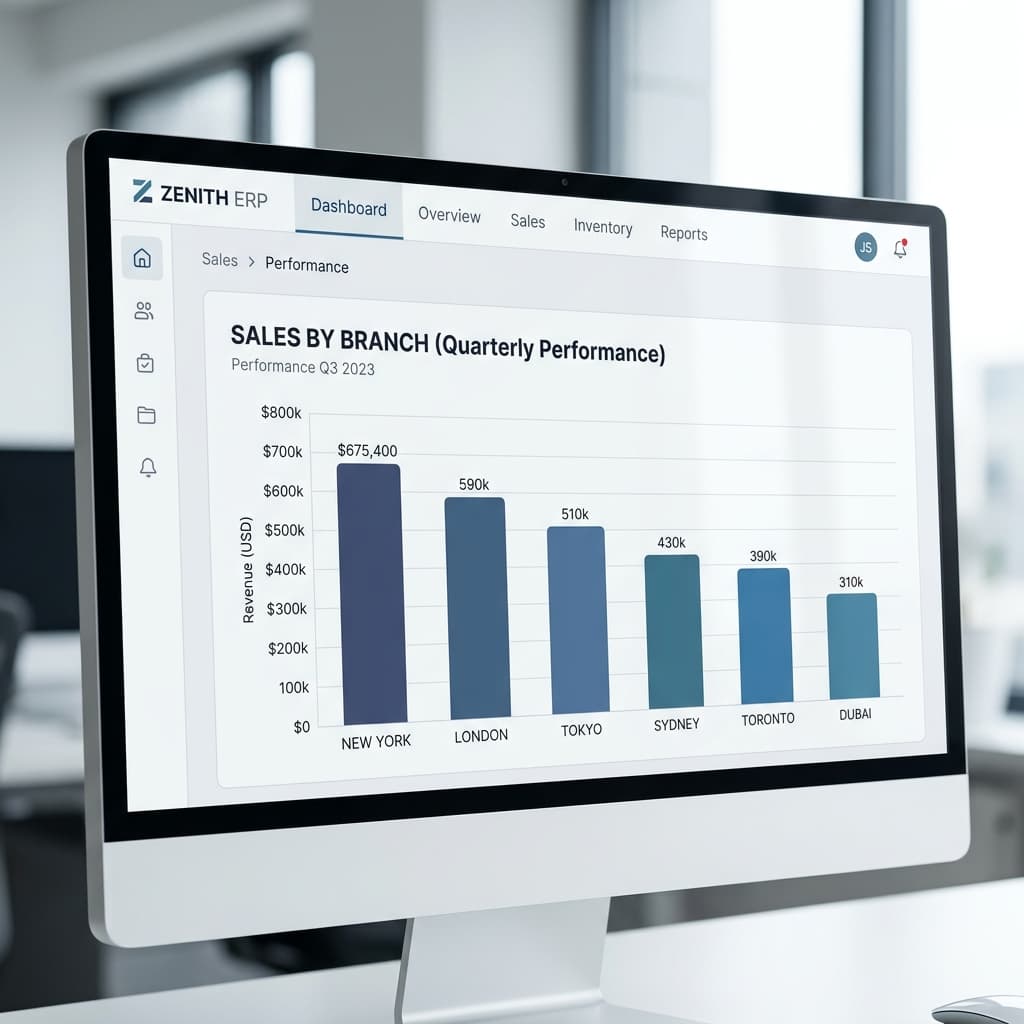
A/B performance reporting
Average basket size, upsell attach rate, and queue abandonment all measured against your manual counter slips — you learn when kiosks raise the average ticket, not guess at it.
Platform
How Self-Service Kiosk connects to the rest of the platform
Self-Service Kiosk is not a standalone app — every event on a terminal updates the modules your other teams rely on. No re-keying, no end-of-day exports.
- Restaurant POS
Kiosk orders share the same order book — menu, prices, and customer data with counter and KDS views.
- KDS
Walk-up orders route to kitchen stations the moment payment clears, indistinguishable from dine-in flow.
- ERP
Kiosk sales update inventory and accounting automatically alongside till transactions.
- Invoicing
The kiosk receipt is a full FBR-compliant digital invoice with QR code.
- Hardware
Kiosk enclosures, payment readers, and receipt printers — supplied, warranted, installed by us.
Compliance & local-market fit
Made for how businesses actually operate in Pakistan.
FBR digital invoicing on the kiosk
Kiosk sales carry the same QR-coded FBR digital invoice as the manual till, printed on the kiosk and posted to your compliance stream by construction.
Local payments at the terminal
Card, JazzCash, Easypaisa, and bank QR live at the kiosk arm with encrypted payment readers — no workaround for cash-preferred customers, no double entry at the counter.
Hardware compatibility
Runs on hardware we supply, warrant, and install.
One vendor for software and hardware means one support call when a station goes down.
| Device | Used for | Typical spec |
|---|---|---|
| Kiosk terminal | Walk-up ordering + payment | 21.5" touch · card slot |
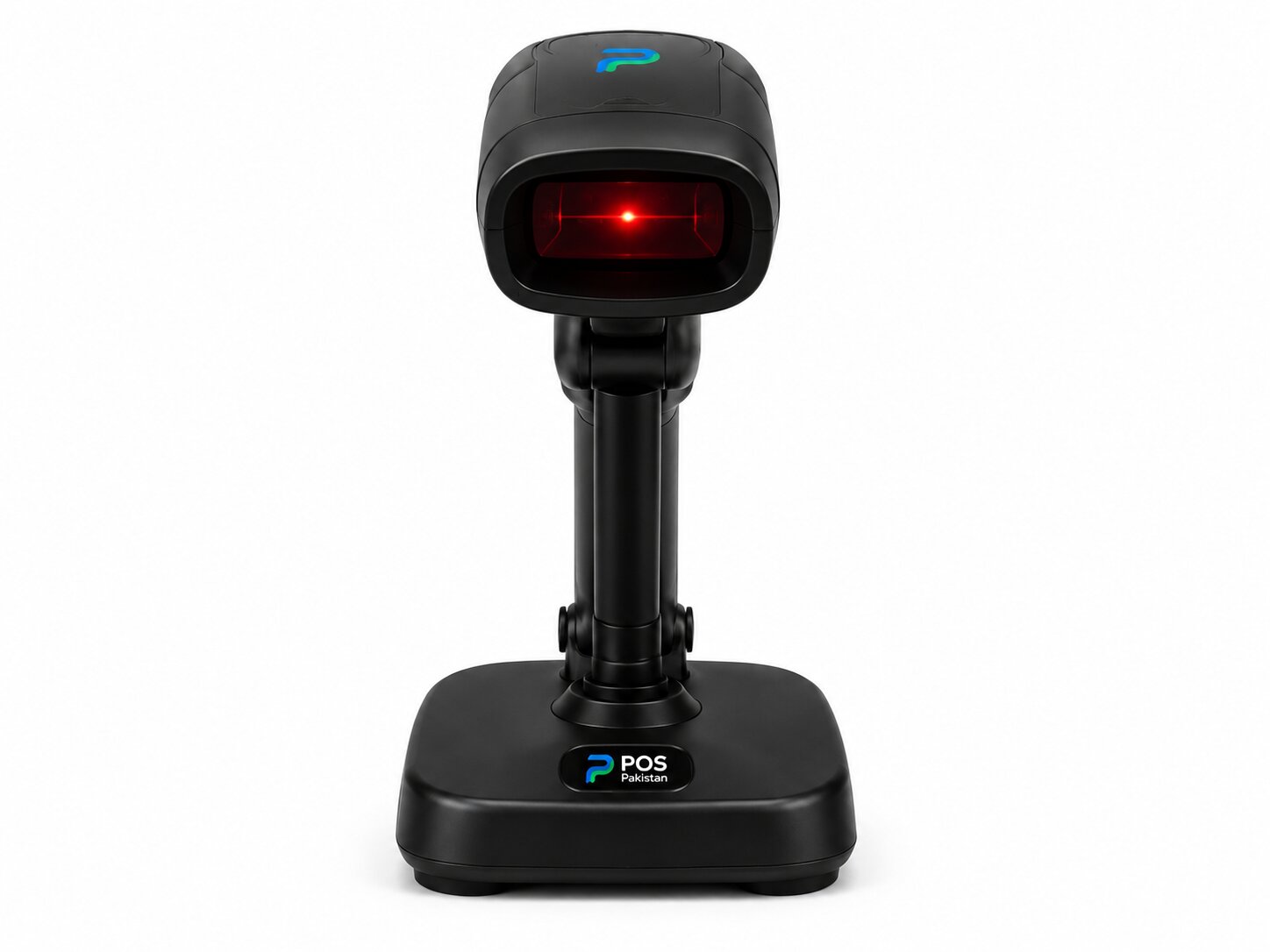
| Contactless reader | Tap-to-pay at arm | PCI PTS |
| Thermal printer | QR receipts at kiosk | 80mm · auto-cutter |
| Mounting/stand | Floor, wall, or countertop | Steel · per-site |
| Server for menu push | Branding & promotion updates | Local / cloud |
FAQ
Frequently asked questions
Straight answers on pricing, deployment, and compliance. For anything not covered, send us a message — we reply within one business day.
Does the kiosk need a separate menu from the till?
What about customers who prefer cash?
Do you supply the payments reader, or do we use our bank's?
Can a kiosk receipt carry the FBR QR code?
What's the cost?
How do menus get updated at peak times?
See it on your data
See a customer order and pay on a live kiosk in under a minute.
A working demo on a real terminal — or a walk-through of your venue layout to scope kiosk deployment.