Compliance · FBR · registration · digital invoicing · step-by-step
How to Register Your POS with FBR (Step-by-Step)
The step-by-step process for registering your POS with the FBR in Pakistan: documents you need, integration onboarding, QR receipt testing, realistic timelines, and the delays that actually hurt.
POS Pakistan Team 15 Jul 2026 7 min read
Registering your POS with the FBR means getting your tills recognized as FBR-integrated so every sale transmits to the FBR and every receipt prints a verified QR code. The process is administrative rather than technical: you are registering your business and your POS vendor's integration against your sales-tax record.
This is the step-by-step path, the documents you will need, and the delays that actually cause problems — so you don't discover them after your outlet's opening date.
Before you start: what you need in hand
| Item | Where from | Notes |
|---|---|---|
| NTN (National Tax Number) | FBR IRIS portal | If you have no NTN, register first — this is the anchor of everything. |
| Sales tax registration (if applicable) | FBR IRIS portal | Required for businesses crossing the registration threshold; your vendor's onboarding needs this number. |
| Registered business details | SECP / FIRM certificate | Business name must match across FBR, bank account, and your POS contract. |
| Your POS vendor's integration status | Vendor | Confirm the vendor is on the FBR-integrated list / actively transmitting — this is not your job to arrange from scratch. |
Mismatched business names are the most common reason registration stalls. Sort this before you open a case.
Step 1 — Confirm your tax profile
Log in to the FBR IRIS portal and confirm your NTN and, if you are registered for sales tax, your STRN and the relevant provincial registration (SRB, PRA, KPRA, or BRA depending on your province and business type). Note your tax periods and filing frequency — your POS reports into this record.
Step 2 — Choose an FBR-integrated POS vendor
Only a genuinely integrated POS helps. Verify three things with the vendor before signing:
- They currently transmit sales to the FBR (not "planning to").
- They handle the provincial layer for your city (SRB for Karachi, PRA for Lahore, etc.).
- They will push you the update when the FBR changes formats — ask when their last FBR update shipped.
Step 3 — Submit your registration / onboarding through the vendor
In most cases the vendor submits the integration request on your behalf through the FBR's approval flow, keyed to your NTN/STRN. What you will typically be asked for:
- Your NTN and sales tax registration number
- Business name exactly as registered
- Branch/outlet addresses
- Contact person and number
Ask the vendor for a written confirmation of submission, and the case/approval reference. That reference is what you chase, not a vague "we submitted it."
Step 4 — Test the integration before you go live
Registration is not complete when the paperwork is in. It is complete when a real test sale prints a QR that verifies in the FBR app. Run this checklist:
- A test sale at the till transmits and returns a verification response
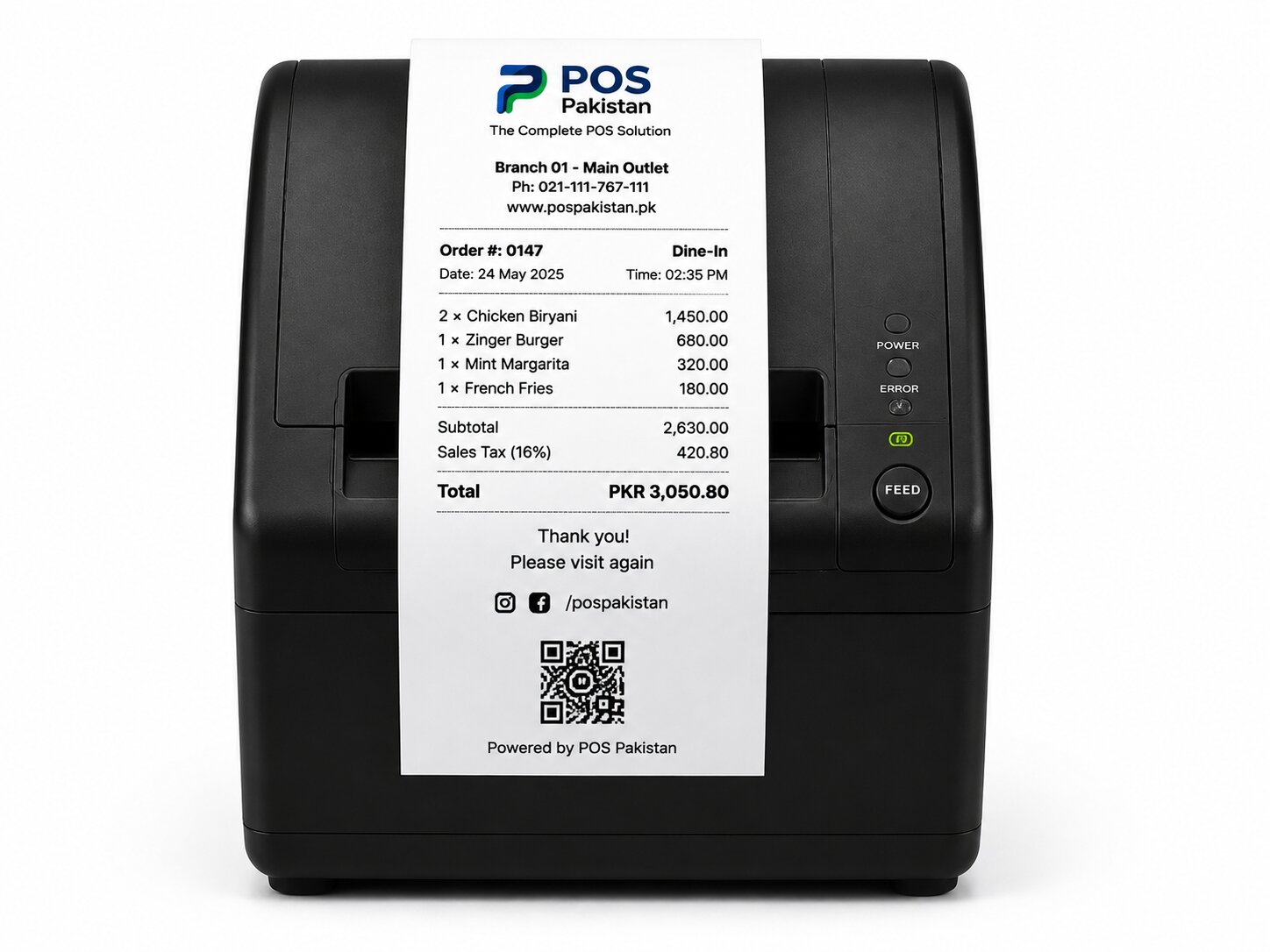
- The printed receipt has a scannable QR
- The FBR app (or the QR scanner) verifies the receipt as genuine
- A test sale during a simulated internet cut queues offline and transmits when connectivity returns
- Provincial tax rate on the receipt matches your province and business type
- Exempt/correct tax categories are mapped to your items (restaurant service tax vs. retail goods, for example)
Step 5 — Train staff on receipt handling
A common real-world failure: the till is integrated, but staff use a pre-printed backup receipt during an outage and the QR disappears. The offline mode of a proper system prints a valid receipt from the queued sale and files it on reconnect — make sure your team knows the QR must be on every receipt, every time, including offline.
How long does it take?
Realistic expectations: if your documents are clean and your vendor is already transmitting for other clients, expect days for submission plus the FBR approval cycle — frequently 1–3 weeks, occasionally longer when the vendor's integration itself needs verification. Plan registration before your opening date, not on it. Outlets that open with non-integrated tills are exactly the pattern enforcement targets.
What POS Pakistan handles for you
POS Pakistan's invoicing module is FBR-integrated with real-time verification and QR receipts, handles provincial tax per province (PRA, SRB, KPRA, BRA), and our team submits and tracks the registration on your behalf as part of onboarding. See the FBR digital invoicing module, how it behaves inside restaurant operations, and the wider integrations list.
Where this fits in the platform